
See your open hours, and fill them.
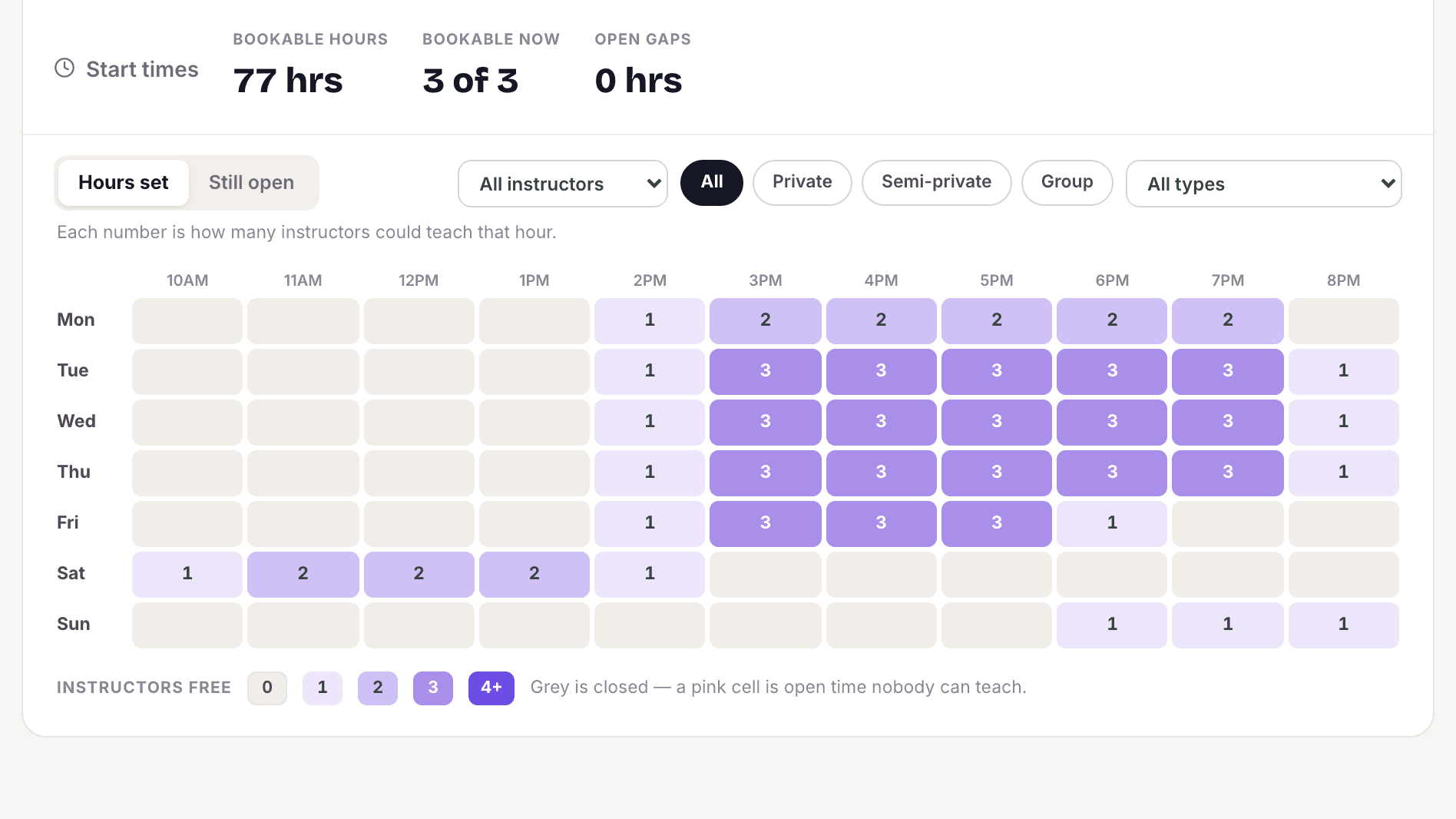
See every teacher's hours and what is still open this week in one grid. When a student cancels, offer the freed time to your other students and the first to claim it gets it.
Start freeFree to start. No card needed.
What's included
Common questions
What happens to a slot when a student cancels?
You can offer the freed time to your other students by email and app notification. The first to claim it gets the lesson.
Can teachers set their own hours?
Yes, if you allow it. You can also keep their hours inside the studio's opening hours.
How do I see where I have open time?
The Availability grid shows every teacher's hours and what's still open this week. The weekly load bar shows booked versus open time for each day.
Start free. Never pay more than $39.
Your first teacher is always free. Solo is $10 a month, each extra teacher is $6, and the bill never goes above $39. You never pay per student.
Start free →